

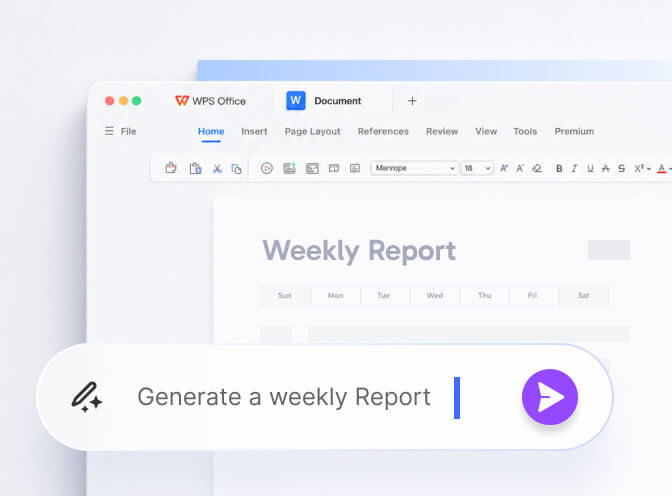
Mapped to real work
- Writer: outline, expand, shorten, change tone, grammar pass.
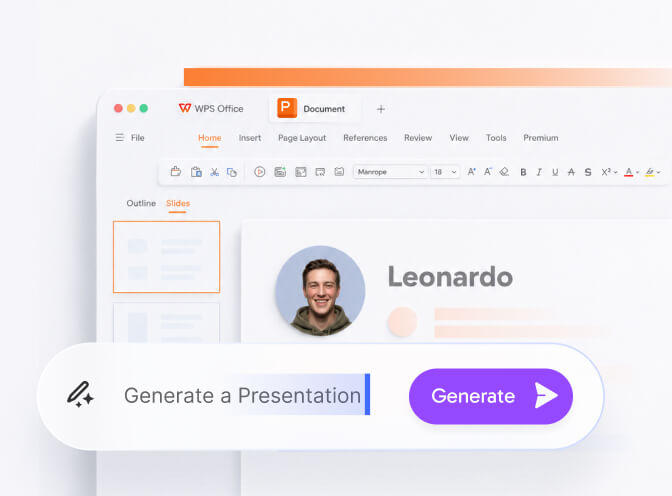
- Slides: AI Slides from a prompt or from an existing document.
- Sheets: explain a column, suggest a chart, draft a formula.
- PDF: summarize and ask questions instead of reading every page.
Failure modes users mention
- Invented citations in academic drafts.
- Formulas that look right and offset a range by one row.
- Slide decks that all sound like the same conference brochure.
- PDF answers that skip a footnote you needed.
A sane workflow
- State the audience and the length in the prompt.
- Generate into a new document, not over the only copy.
- Check every number against the source file.
- Turn AI off for the final legal read.
Official product language lives on wps.com. Our opinion: AI is a reason to try Premium for a month, not a reason to trust a contract you did not read.
Where the buttons sit
Writer: rewrite, shorten, expand, tone. Spreadsheet: explain a column, suggest a chart, draft a formula. Presentation: AI Slides from a prompt or an existing file. PDF: summarize and ask questions.
Quotas sit on paid plans. The in-app counter is more honest than any blog price. Treat a one-month trial as a test of whether you actually use the buttons, not as a forever commitment.
A prompt that wastes fewer tokens
State the audience, the length, and the format (“bullet brief, 180 words, no adjectives”). Then paste only the paragraph you want changed. Dumping a whole contract into chat is how secrets leak and answers get vague.
Is WPS AI free?
You usually get a trial sip. Quotas, long PDF chat, and repeated AI Slides sit on paid plans. The in-app counter is more honest than a blog price from last year. Kingsoft’s homepage says prompts are not used for training without permission - still keep medical and client-secret text out of the box.
Jobs that help vs jobs that invent
Useful: a first outline, a tone pass, “explain this column,” and a question against a long PDF you already trust. Dangerous: citations you did not verify, formulas that skip a row, and a rewritten contract clause you did not read.
Keep reading
- Free vs Premium - Whether a one-month test is worth it.