
What it is good at
- Opening the .docx your colleague emailed at 17:58.
- Styles, headings, table of contents, page numbers, headers/footers.
- Track changes and comments for light editorial work.
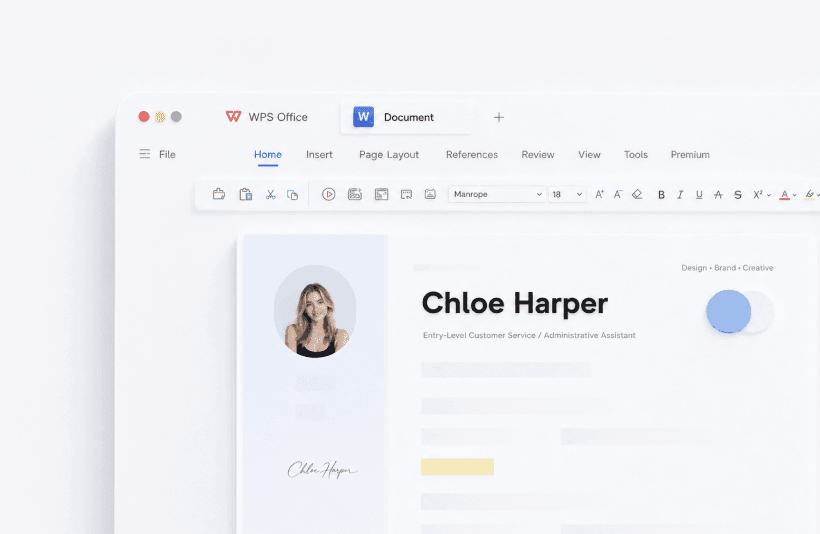
- Templates for CVs and school papers - see templates.
- AI rewrite/summarize sitting next to the paragraph, not in another tab.
Field note - Maya, freelance designer
Maya cancelled Microsoft 365 after she realized her paid hours were 80% Writer and 20% PDF date changes. She keeps a “safe fonts” list (Calibri, Arial, Times) for client files so a Mac reviewer does not see boxed tofu characters.
Where Writer still loses
- Heavy legal templates with nested fields and custom building blocks.
- Publish-ready books with delicate wrap-around figures.
- Macros written for Word VBA - do not expect a 1:1 run.
Habits that prevent disasters
- Turn on Auto Backup (Menu → Backup and Recovery) the first evening you install.
- Save a .docx copy before you overwrite the original from a client.
- If the file came from Google Docs, download .docx rather than copy-paste into Writer - styles stay cleaner.
Related fix: unsaved file recovery. Related compare: WPS vs Word.
A sensible first-week setup
- Turn on Auto Backup and pick a short interval.
- Set default save to .docx, not a Kingsoft-only type.
- Decide whether WPS owns .docx or Word still does.
- Add your resume and letterhead as personal templates so you stop hitting the gallery paywall.
Keyboard habits transfer: Ctrl+S, Ctrl+B/I/U, Ctrl+F. See the shortcut list if F12 Save As is missing on Linux because the desktop stole the key.
Collaboration without SharePoint
Comments and track changes cover light editorial work. For ten people in one brief all day, Google Docs is still smoother. For a contractor sending a marked-up statement of work, Writer is enough.
WPS Writer vs Microsoft Word: what to test
Open a file that already has comments, a table of contents, and a header. Accept or reject changes on a copy. If styles hold and page numbers stay put, Writer will cover your week. If content controls or nested legal fields collapse, stay on Word for that client.
Students should export PDF for submission portals that mangle .docx. Freelancers should keep a “safe fonts” list: Calibri, Arial, Times, Liberation. Everyone should turn on Auto Backup the first night. Full steps: recover unsaved files.
Track changes and comments
Everyday school and client markup survives. The files that drift are the ones with unusual revision authors, custom XML, or Word macros behind a button. If a reviewer must see a perfect redline in Microsoft Word, finish that file in Word.
Keep reading
- Templates - Resumes and letters without the crown-icon paywall every time.
- Shortcuts - Ctrl combinations you already know.
- File formats - .doc, .docx, .wps, and PDF export.