
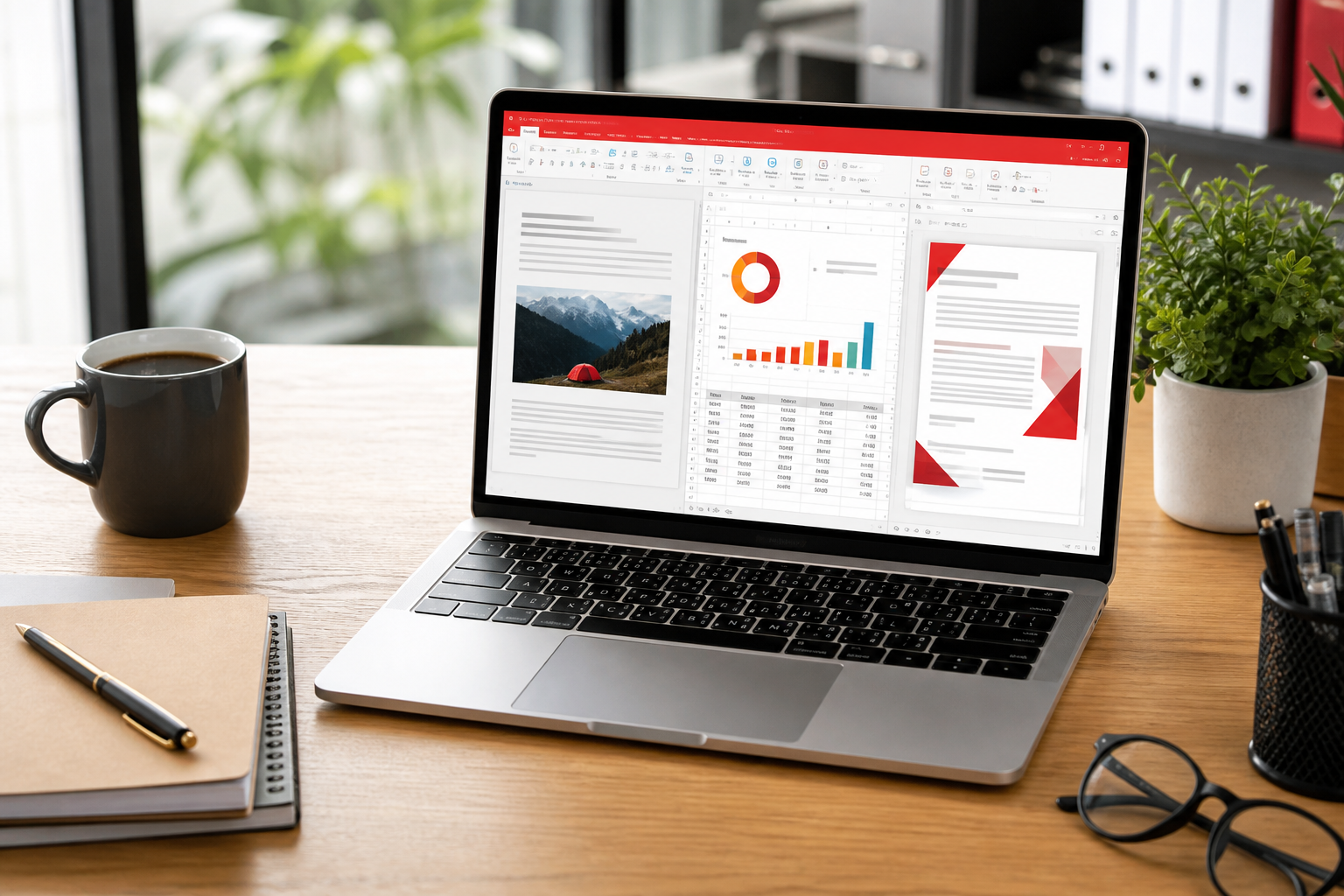
Sources for the product claims: Kingsoft’s own comparison table on wps.com, Microsoft 365 public plans, Google Workspace docs, and the LibreOffice project. Prices change - we talk capabilities.
| WPS Free | WPS Premium / AI | Microsoft 365 | Google Workspace | LibreOffice | |
|---|---|---|---|---|---|
| Word / Sheets / Slides | Yes | Yes | Deepest desktop features | Excellent collaboration | Yes, offline |
| PDF edit / convert | Basic | Strong | Export + optional Acrobat | Light | Export / draw |
| Mail + chat | No | No | Outlook + Teams | Gmail + Chat + Meet | No |
| Offline cheap PC | Excellent | Excellent | Heavier | Needs cache | Excellent |
| Ads / upgrade nags | Possible | Removed | No | No | No |
| Macros / Power Query | Weak | Weak | Best | Limited | Different macro language |
| License | Freeware | Subscription | Subscription | Subscription | Open source |
Stay on Microsoft if
- Your job is a shared Excel model with VBA.
- Legal sends Word files full of content controls.
- You need Outlook + SharePoint as one identity.
Stay on Google if
- Ten people type in the same doc all day.
- Your school already lives in Classroom.
- You barely open a desktop app.
Try WPS if
- You want PDF tools without a second vendor.
- You bounce between Windows, a phone, and maybe Linux.
- You are fine with a freemium desktop and a Kingsoft account.
Try LibreOffice if
- You refuse telemetry and ads.
- IT will not approve a Chinese vendor (policy, not a technical argument).
- You already know the interface.
Windows Forum’s 2026 write-up makes the same PDF point we do: the suite’s quiet advantage is treating PDF as a first-class file. That matches Gizmodo’s description of an integrated PDF editor.
Cost is not only the subscription
Microsoft 365 includes mail and Teams. If you already pay for those, WPS does not replace them. If you only needed Word and a PDF editor, you were paying for a campus. Google is “free” until you need offline desktop control and a PDF toolkit.
LibreOffice costs zero and has no ads. The interface is the price. Teams that already know it should not switch for fashion. Teams that receive picky .pptx files sometimes keep both.
A one-week experiment
Install WPS Office beside your current suite. Do not change file associations yet. Live in it for five working days. If you reached for Excel or Acrobat more than twice a day, you have your answer.
WPS Office vs Microsoft Office: who should switch in 2026
Switch if your paid hours are Writer plus PDF and you do not need Outlook. Do not switch if your job is a shared Excel model or a legal Word template. Google Workspace wins when ten people type in one file all day. LibreOffice wins when policy forbids a proprietary Chinese vendor or you already know the interface.
Windows Forum’s 2026 write-up and Tech Talk’s switcher essay make the same PDF point this handbook does: treating PDF as a first-class file is WPS Office’s quiet advantage.
Cost is not the only axis
A cancelled Microsoft 365 seat can still be the wrong move if your firm’s shared workbook is the job. Run the files you already receive through a one-week trial. Compatibility is a test, not a marketing claim.