

The all-in-one promise
On wps.com Kingsoft frames WPS as Writer + Spreadsheet + Presentation + PDF + Photo in one lightweight app, with AI Copilot and Cloud Docs. The Microsoft Store listing adds template library, OCR, and sharing. That matches what we see after a clean install.
Compatibility
- Word: .doc, .docx, .docm, .dotx and related templates.
- Excel: .xls, .xlsx, .xlsm, .csv, plus Kingsoft .et.
- PowerPoint: .ppt, .pptx, .pptm, .pps.
- Google Docs / Sheets / Slides files can be opened after export or via connected Drive.
- PDF is a first-class citizen, not only an export target.
Kingsoft also claims 46 interface languages and 200+ fonts. Switch the UI language in Settings if the installer guessed wrong.
Collaboration and cloud

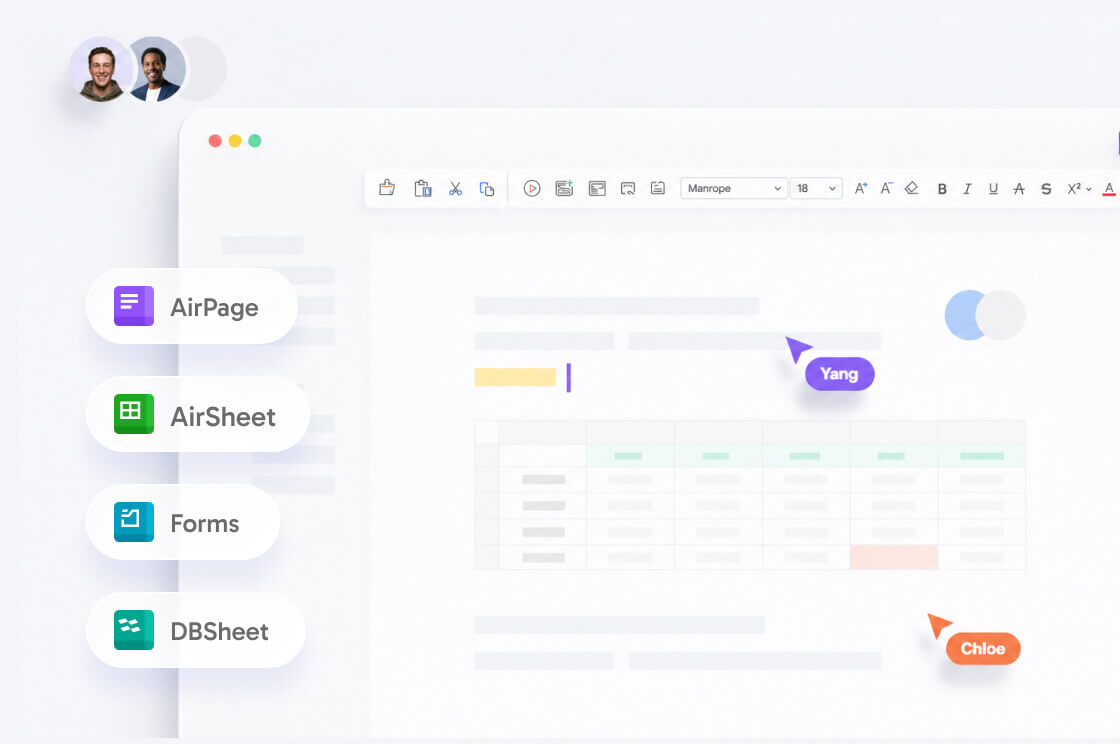
Cloud Documents, live cursors, comments, and permission controls (view / comment / edit) sit in the same account you use on mobile. Free storage is modest - Kingsoft’s comparison table on the product site lists about 1 GB on Free and 20 GB on Pro+AI, with Drive and Dropbox hooks. Inactive cloud files can be purged after long idle periods; do not treat Cloud as the only backup.
PDF and OCR
Annotate, fill, convert, merge, split, compress, watermark, encrypt, and e-sign. OCR (“picture to text”) appears in the Store feature list and in Premium marketing. Scanned minutes of a meeting are the usual win. Decorative certificates are the usual disappointment.
Templates and extras
- Template gallery: resumes, invoices, lesson plans, pitch decks. Some packs are Premium.
- Resume Master and invoice makers show up in Kingsoft’s feature directory.
- Screen recorder exists on Windows/Mac for walkthroughs - check the current build; it is not the reason to install the suite.
- Document repair and data recovery tools are the ones people find after a crash. See recovery.
Security claims
Kingsoft’s homepage lists encrypted transfer, GDPR/ISO-aligned practices, and a privacy-first AI stance (prompts not used for training without permission). Treat that as vendor policy, then still use a local password on files that leave your laptop.
Deep dives: Writer, Spreadsheet, Presentation, PDF, AI, Cloud, Templates.
What “all-in-one” means on a slow PC
One process with tabs uses less RAM than Word + Excel + PowerPoint + Acrobat sitting idle. That is why 8 GB laptops feel kinder. It is also why a crash can close everything at once - another reason Auto Backup matters.
Languages and fonts
Kingsoft advertises dozens of interface languages and 200+ fonts. If the installer guessed wrong, switch the UI in Settings before you decide the product “looks Chinese only.” For sharing, stick to Calibri, Arial, Times, or Liberation so a Mac reviewer does not see tofu boxes.
What is not in the box
- Outlook-class mail and calendar.
- Microsoft Teams or a Slack replacement.
- Access databases as a first-class app.
- Publisher-style desktop publishing.
If those are the job, stay on Microsoft 365 or Google Workspace. WPS Office is a document suite, not an entire workplace.
WPS Office features people search for
The queries are predictable: Microsoft Office compatibility, a free PDF editor, templates, cloud sync, and WPS AI. Kingsoft’s homepage and the Microsoft Store listing agree on the core: Writer, Spreadsheet, Presentation, PDF, templates, OCR, and sharing. This page is the map; the module pages are the field notes.
Compatibility in one sentence
If a colleague sends .docx, .xlsx, or .pptx, WPS Office is built to open and save it. If they send an Access database, a Publisher file, or a VBA-heavy .xlsm, you are in the wrong suite. See file formats and the comparison.
Who feels the “all-in-one” design
Students and freelancers on 8 GB laptops notice it first. One process with tabs uses less idle RAM than Word, Excel, PowerPoint, and Acrobat sitting open. The trade-off is that a crash can close every tab. Turn on Auto Backup the first night.
Keep reading
- WPS Writer - Word files, track changes, recovery habits.
- WPS PDF toolkit - The feature that replaces Acrobat for most people.
- WPS AI - Drafts, slides, and PDF chat - with the failure modes.