
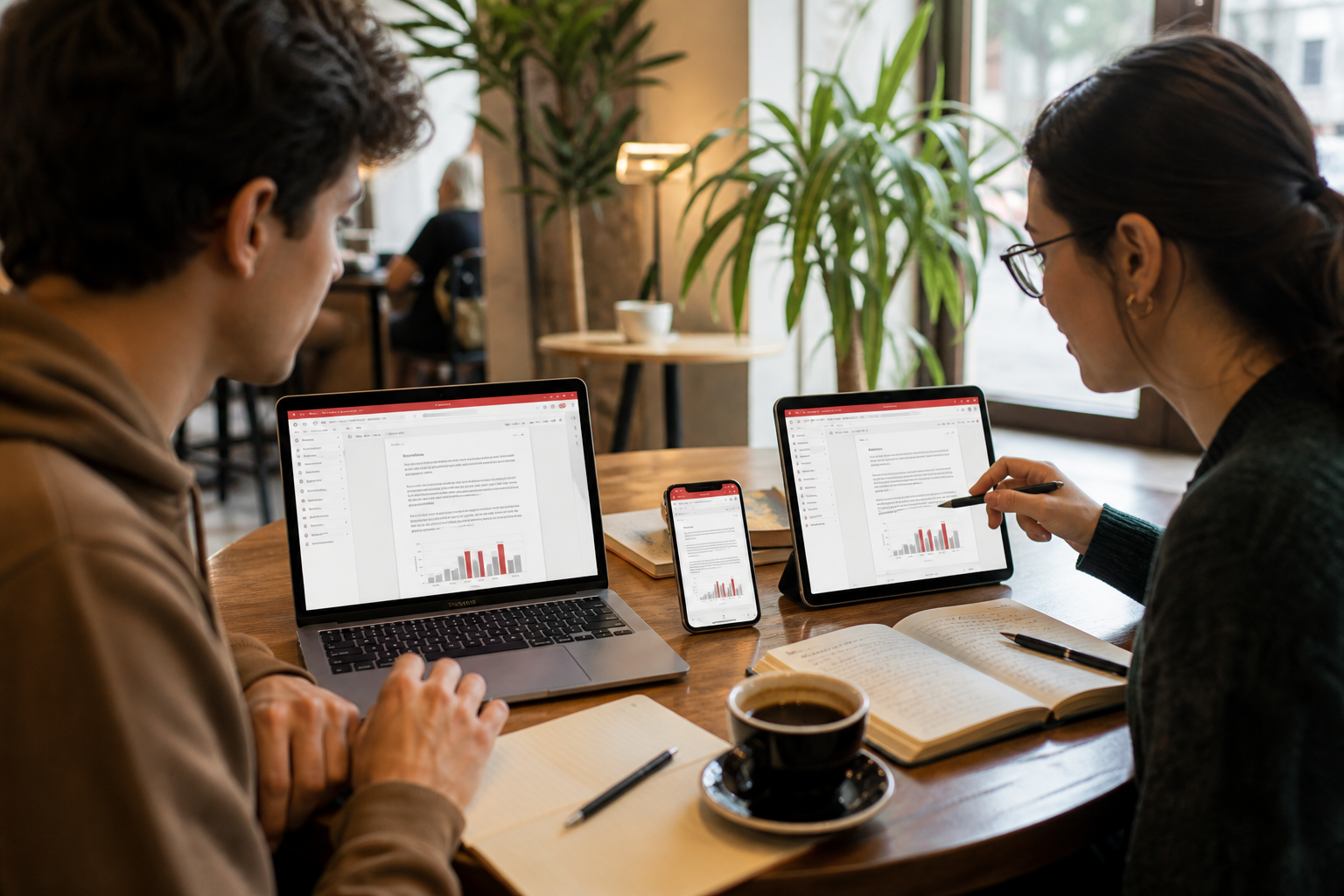
WPS Office is freeware from Kingsoft Office Software. Gizmodo’s software card (updated 10 August 2026) lists it for Windows, macOS, Linux, Android, iOS, and as a web app, with a 4.5 Play Store score from roughly 6 million votes and a 4.8 App Store score. None of that matters if the file you run is a clone.
The three doors we consider safe
- Kingsoft download matrix - wps.com/download is the page the company itself maintains for Windows, Mac, Linux, and mobile.
- Microsoft Store - listing 9NSGM705MQWC (UWP). Useful when Group Policy blocks random EXE files.
- Mobile stores - Google Play and the Apple App Store. Sign in with the same WPS account if you want Cloud documents on the phone.
Windows
The desktop Windows build is the one most compatibility tests use. Kingsoft states support for Windows 7 through Windows 11 (32- and 64-bit). After setup, open the Windows install guide and verify you can open a .docx, .xlsx, and a PDF you already own.
Microsoft Store vs desktop EXE
- Store app: quieter updates, simpler uninstall, sometimes a slightly different PDF or AI surface.
- Desktop EXE: matches the screenshots on wps.com, easier to find Backup and Recovery in the classic Menu.
- Do not install both and then wonder why two WPS icons fight over file associations.
macOS
The Mac build is native on Apple silicon (M1–M4) and Intel. Download from the official Mac button or the Mac App Store. Grant files-and-folders permission the first time you open a document on iCloud Drive - otherwise Writer looks empty. Full steps: Install on Mac.
Linux
Packages are typically .deb (Ubuntu, Debian, Deepin) and .rpm (Fedora, CentOS). Kingsoft’s help article lists those families plus x86 and a modest 2 GB RAM floor. See Install on Linux for font, HiDPI, and “missing lib” notes.
What you should see after install
- A tabbed home that can open Writer, Spreadsheet, Presentation, and PDF in one window.
- A prompt to sign in - optional for local files, required for Cloud and most AI quotas.
- No extra browser search-toolbar offers. If you see those, you used the wrong download page.
Next: system requirements, what Premium actually unlocks, and the format list.
After the installer finishes
Open a file you already trust before you delete Microsoft Office or LibreOffice. A .docx from email, an .xlsx budget, and a PDF statement are enough. If any of those three look wrong, keep the old suite for a week and compare.
Create a Kingsoft account only if you want Cloud or AI. Local files do not require a login. If you share a family PC, each person should have their own account so Recycle Bin and quotas stay separate.
What a fake download looks like
- A search ad that is not wps.com but uses the same red logo.
- An extra “download manager” that asks to change your search engine.
- A filename like wps-office-setup-full-crack.exe.
- A publisher name that is not Kingsoft Office Software.
Gizmodo’s 10 August 2026 card is a useful second check for store ratings and platforms. It is not a download host. Use it to confirm the product exists, then go back to wps.com or the Store.
WPS Office download checklist for Windows 11 and Windows 10
Search engines treat “WPS Office download” as a safety query as much as a product query. The correct outcome is a Kingsoft-signed installer, not the first button under a search ad. Type the official URL yourself when you can. Ads next to the query often lead to look-alike pages that wrap the same red logo around a download manager.
After setup, confirm three things: Writer opens a .docx you already have, Spreadsheet opens an .xlsx, and the PDF module opens a statement. If any of those fail, you have the wrong build or a damaged download. Keep your previous suite for a week.
Mobile and web
Android and iOS builds live on Google Play and the App Store. Sign in with the same Kingsoft account if you want WPS Cloud. The web app is useful on a locked school PC; it is not a replacement for the desktop PDF toolkit. Ratings cited on this site (4.5 Play, 4.8 App Store) come from Gizmodo’s 10 August 2026 software card.
What “free download” does not mean
The personal desktop apps are free. Premium, longer PDF conversions, OCR, extra Cloud, and most AI quotas are paid. A page that promises “WPS Premium unlocked” is offering malware or a stolen account, not a license.
Keep reading
- Install on Windows - EXE vs Store, SmartScreen, file associations.
- System requirements - RAM and disk floors vs a comfortable PC.
- Free vs Premium - What you can skip paying for.