
Set it up without losing the local file
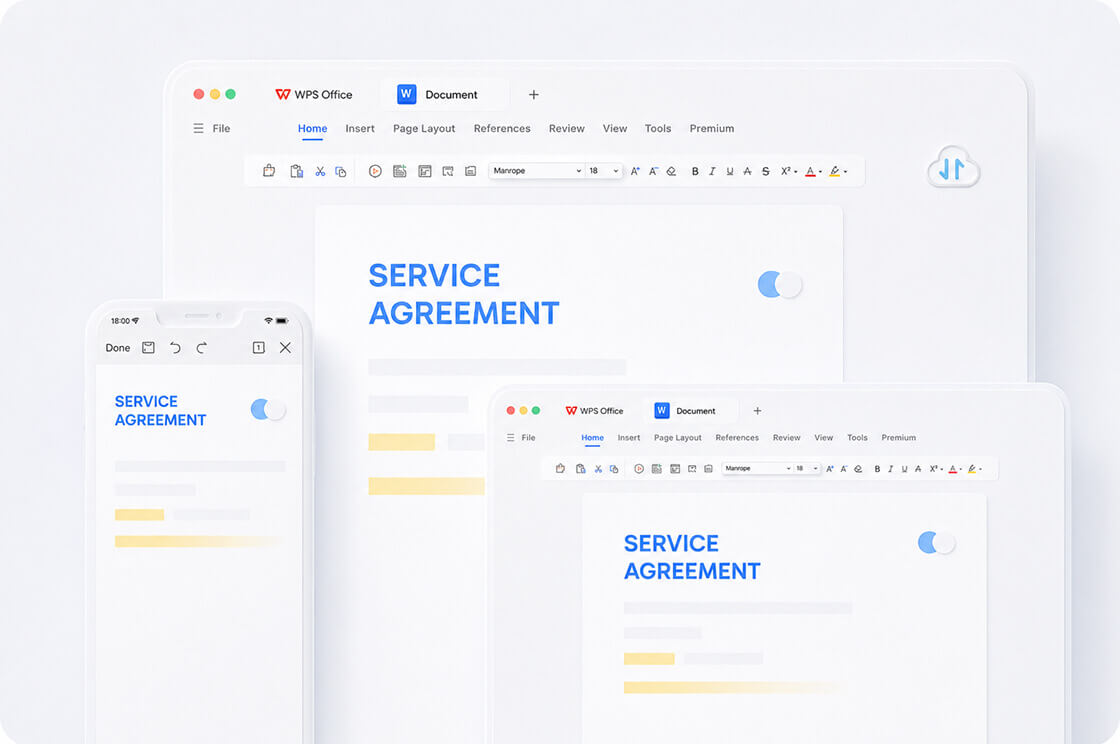
- Create a Kingsoft account inside WPS.
- Upload a copy; do not delete the disk original until you reopen the cloud copy on a second device.
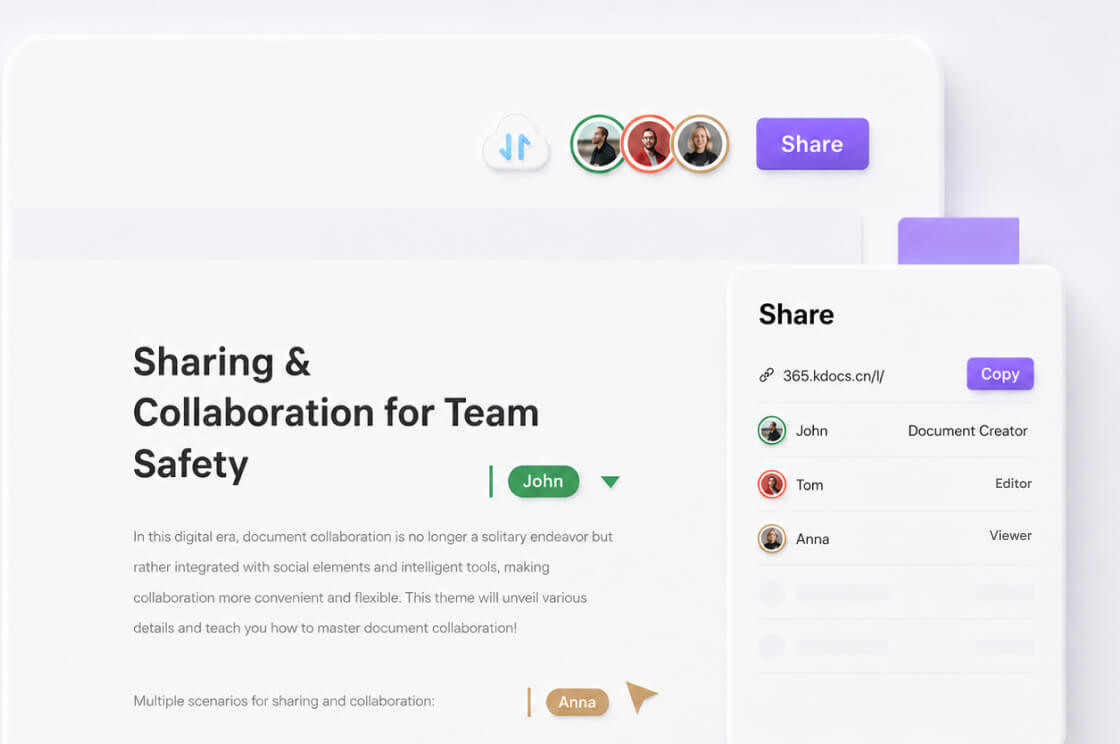
- Share with the least permission that works.
- Know where Recycle Bin lives (Home → Open → Recycle Bin) before someone “tidies up.”
Idle and quota warnings
Help documentation has warned that you cannot upload when the quota is full, and that files in accounts idle for a long stretch (commonly cited as 180 days without login) may be removed. That is not ransomware. That is why theses do not live only in Cloud.
Drive and Dropbox
Kingsoft advertises Google Drive and Dropbox integration. Connect those if your team already lives there. You still need to know which copy is canonical.
Sharing without oversharing
Use the least permission that works: view for a client proof, comment for an editor, edit for a teammate. Revoke the link when the job ends. Recycle Bin is not a legal hold. If a file matters, keep a disk copy with a date in the name.
WPS Cloud storage and sharing
Kingsoft’s public table has listed about 1 GB on Free and 20 GB on Pro+AI, plus Drive and Dropbox hooks. The account page wins. Share with the least permission. Recycle Bin is not a legal hold. Idle accounts can lose cloud objects after a long stretch without login.
Local copy first
Anything you cannot rewrite should exist on disk or another drive you control. Cloud is convenient sync, not a backup policy. See file recovery if a cloud delete was recent.